|
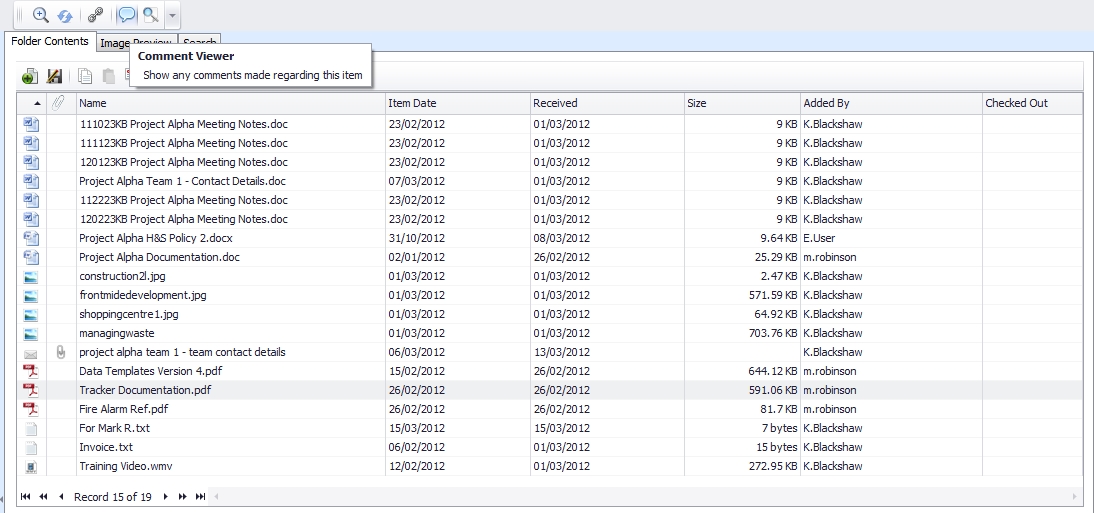
Ensure the correct file is selected in the Folder Contents window and click the "Show Comment Viewer" (Pen icon on the quick links menu).

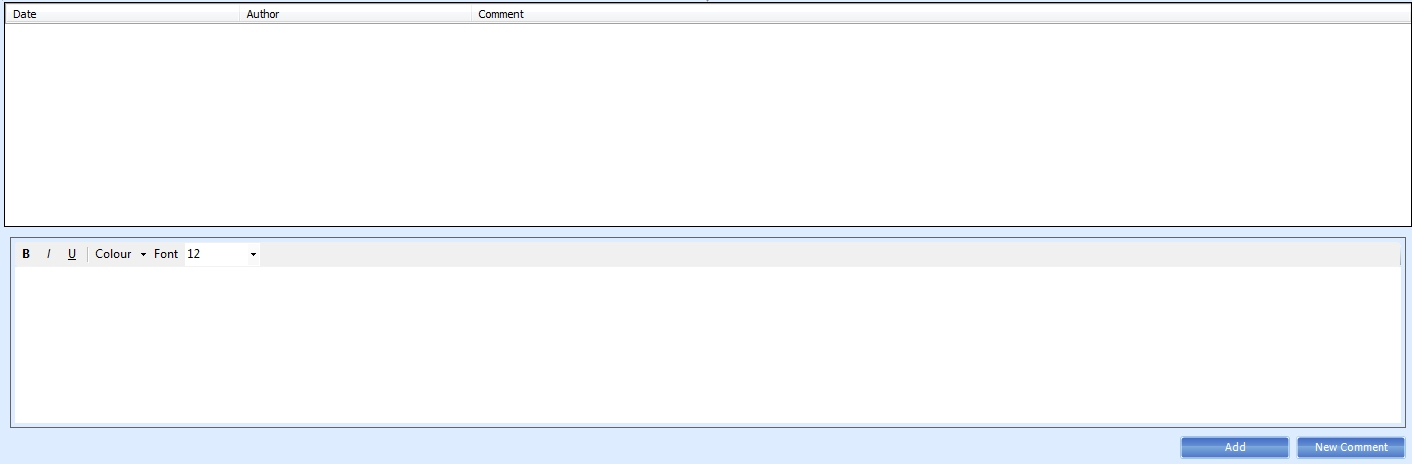
The Comment Viewer replaces the Preview window in the Lima Interface. The top section of the Comment Viewer shows any previous comments that have been associated with the selected file, whereas the lower portion of the Comment Viewer is a text editor that can be used to create a new comment.
To create a new comment click on the "New Comment" button and select the text editor. Type your comment and click "Add".
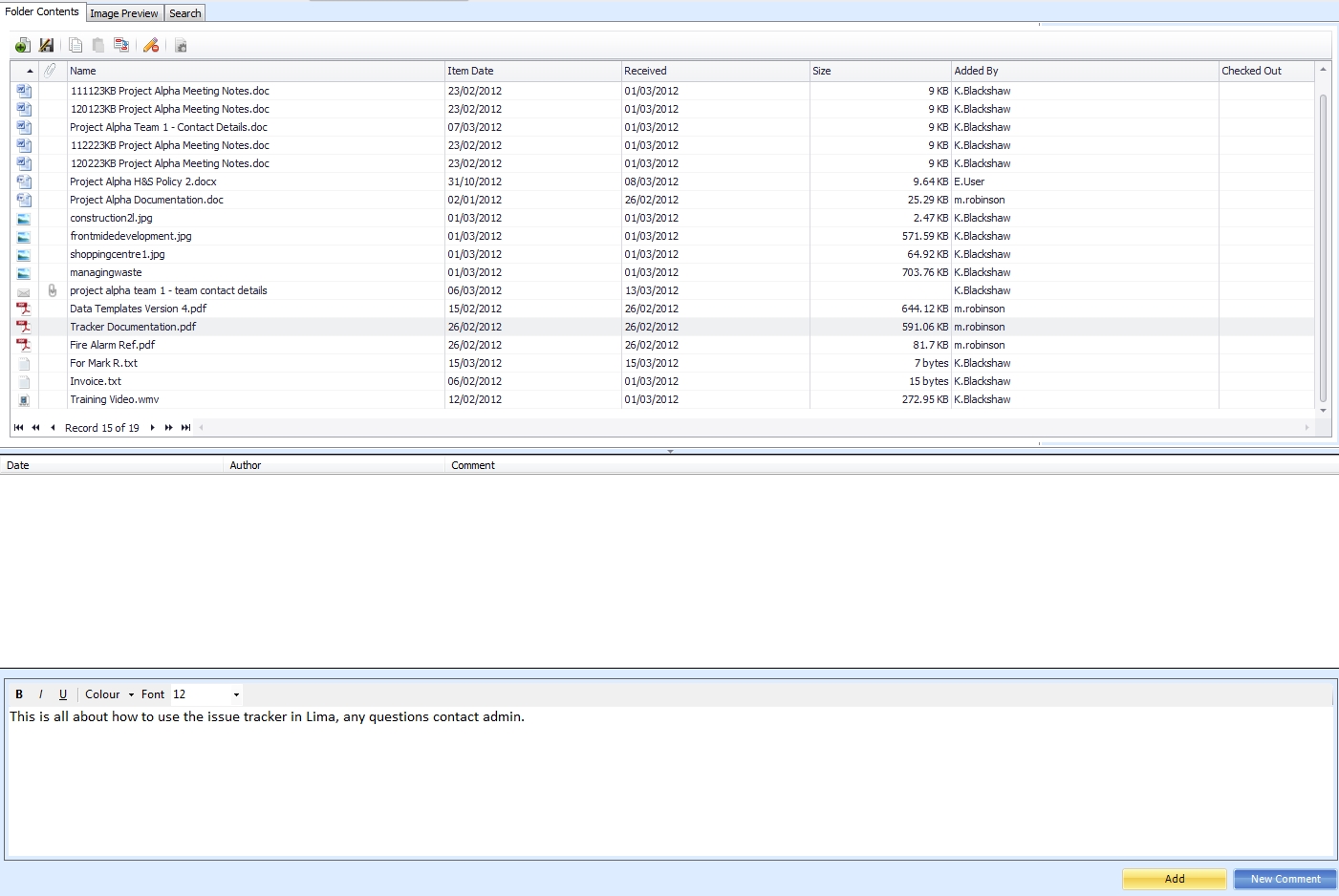
Once added (saved) the comment is then displayed in the upper section of the Comment Viewer.

A file that has comments is indicated by a green tick on the "Comment Viewer" button.

--End--
Related topics:
- The Lima Interface
- File Versions

|