|
Lima provides two options when closing the application. Both options can be accessed via the file menu and are explained below.

Log out and exit - requires a user to log back into the application the next time Lima is required. This option should always be selected when using a computer that can be accessed by other people.
Exit - does not require a user to log in next time they require access to Lima. This option provides faster access to Lima and should be selected on a workstation where you are the sole user.
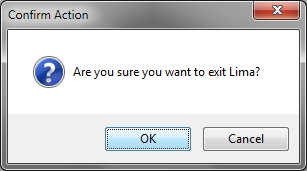
Both options require user confirmation.
--End--
Related topics:
- Logging in to Lima
- The Lima Interface

|