Home    Lima Help Centre    Contact Us

Return to Lima Help Centre

Using Lima

Need more help?

Please contact the Lima Support Team:

support@projectlima.co.uk

Moving / Copying a file in Lima

Project Lima


This section explains how to move/copy a file in Lima. The instructions below demonstrate how to move a file from one location to another in Lima. The process is the same for copying however, copying will leave a copy of the file in the original location.
NB - When copying use the copy (ctrl+c) / paste (ctrl+v) menu options and not move.


Level = Basic

Time required = 5 Minutes


As a project structure evolves files may need to be moved from one location to another. To move a file please follow the instructions below.

Open the location of the file that needs to be moved.

Select the file and right click.

Select Move Item from the menu.

view larger size

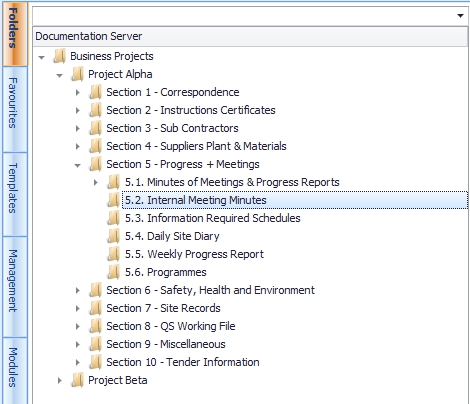
Open the destination Folder in the Project Folder in the Project Window (the lefthand pane) -

click on the destination folder

Right click anywhere in the white space in the Folder Contents pane and choose the option "move filename".

view larger size

--End--

Related topics:

- Adding file comments
- Edit a file
- Delete a file

Top of the Page